Visualize Your Dream Brand with a Digital Mood Board (and Bring It to Life Faster)
Dec 28, 2025

Visualize Your Dream Brand with a Digital Mood Board (and Bring It to Life Faster)
Building a brand you love shouldn’t feel like guessing. But if you’ve ever tried to translate a vision in your head into something your team can actually execute—colors, fonts, photography style, vibe, tone—you know how quickly things can get scattered.
That’s where a digital mood board becomes your brand’s best friend.
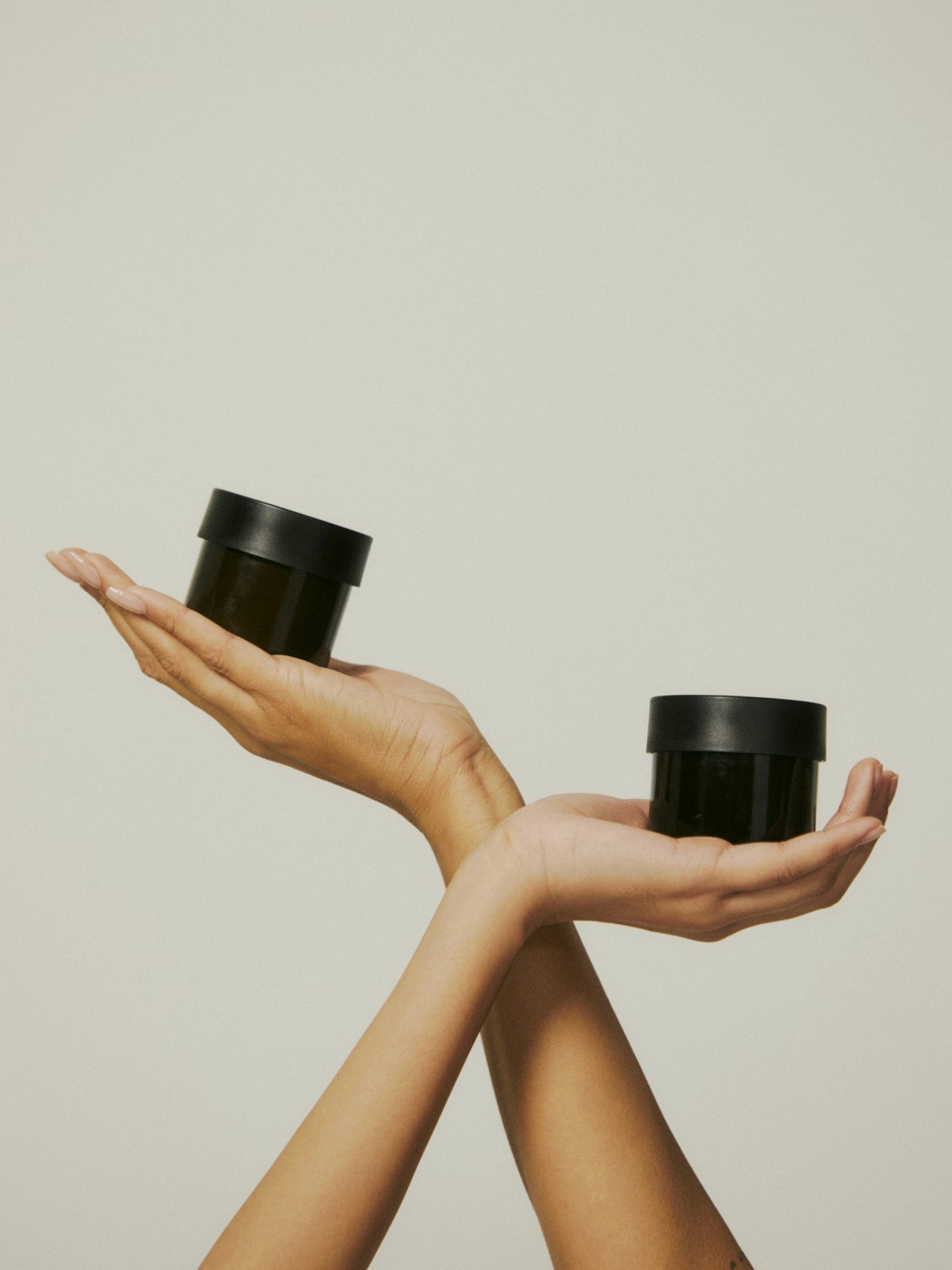
In this guide, you’ll learn exactly how to visualize your dream brand with a digital mood board, why it’s one of the smartest early branding moves you can make, and how Moodboard Studio makes the entire process effortless (and genuinely fun).
If you’re juggling a million ideas—Pinterest pins, screenshots, random saved posts, notes in your phone—you’re not alone.
Most founders, creators, and small business owners start branding with:
A feeling they can’t quite describe
A Pinterest board that keeps growing
A “we’ll know it when we see it” approach
But here’s the truth: your dream brand becomes real when it becomes visible.
A mood board helps you:
Clarify what your brand actually looks like
Get alignment with collaborators, clients, or teammates
Make confident design decisions without second-guessing
Stop losing inspiration to a million tabs
At Ideate Workspace, we’re big believers in this: clarity creates momentum. A mood board gives you both. A digital mood board is a visual collection of images, colors, typography, textures, and inspiration elements that reflect your brand’s direction.
Think of it as:
A brand blueprint
A visual strategy board
A style guide before the style guide
It helps you define your brand identity by answering questions like:
What does the brand feel like?
What aesthetic is it rooted in?
What emotions should it evoke?
What are the visual “rules” of the world we’re building?
Why Digital Mood Boards Are Better Than Traditional Ones
A physical board works—but digital mood boards are:
Easier to update
Shareable and collaborative
More scalable
Better for remote teams
Perfect for brand building + content planning
And if you’re trying to create a brand that looks professional, consistent, and intentional—this is the first step.
✨ What Makes a Great Brand Mood Board?
A powerful digital mood board includes:
Color palette direction (even if it’s rough)
Typography inspiration (headline + body style ideas)
Photography style references
Design patterns + layout examples
Brand vibe imagery (lifestyle, product, tone)
Keywords + brand adjectives (optional but powerful)
The goal isn’t perfection—it's alignment.
There are plenty of tools you can use. But if you want something made specifically for brand clarity, visual strategy, and quick execution… Moodboard Studio is the go-to tool.
It removes the friction from mood boarding and helps you create a polished, cohesive brand vision without needing to be a designer.
Step 1: Start with a Clear Brand Direction (Even If It’s Just a Feeling)
Before you add visuals, define 3–5 words that describe your dream brand.
Examples:
Clean, elevated, modern
Bold, playful, colorful
Natural, calming, minimalist
Luxurious, editorial, timeless
Inside Moodboard Studio, you can anchor your mood board around these descriptors so every visual choice stays aligned.
Step 2: Collect Inspiration Without the Chaos
The biggest problem with branding inspiration is how scattered it gets.
Moodboard Studio makes it easy to:
Pull inspiration into one clean workspace
Organize visuals by theme (colors, photography, typography, layout)
Keep everything in one place, not across 12 apps
So instead of collecting endlessly, you start building intentionally.
Step 3: Build a Cohesive Look (Not Just a Collage)
A mood board isn’t just pretty pictures—it’s a system.
Moodboard Studio helps you create a mood board that feels like a real brand direction by supporting:
Layout tools that keep everything balanced
Easy grouping and styling
Space for brand notes, keywords, or strategy
So your board communicates a clear identity—not a random scroll dump.
Step 4: Define Your Brand Style in Minutes
Once your visuals are in place, Moodboard Studio helps you quickly solidify:
Your color palette inspiration
Your typography direction
Your visual identity style
Your content aesthetic
This is where the magic happens:
Your brand goes from “I like this” to “this is our look.”
Step 5: Share It and Get Instant Alignment
A digital mood board should be easy to present, share, and explain.
Moodboard Studio makes it simple to:
Share your board with a client or team
Use it as a reference for designers
Build content and marketing visuals that match your vibe
Keep brand consistency across every platform
In other words, your mood board becomes a working asset—not just a creative exercise.
Let’s be real: you could hack a mood board together in Canva, Google Slides, or Pinterest.
But Moodboard Studio is built for people who want their brand to feel:
professional
clear
consistent
strategic
easy to execute
Here’s what makes it stand out:
✅ Designed specifically for digital mood boards + brand direction
✅ Helps you create boards that feel polished fast
✅ Keeps inspiration organized, strategic, and aligned
✅ Perfect for founders, creatives, marketers, and small business owners
✅ Easy to share and collaborate
If your goal is to visualize your dream brand with a digital mood board, Moodboard Studio gets you there faster—with less mess and more confidence.