Turn Ideas into Impact: Design Is Visual Communication
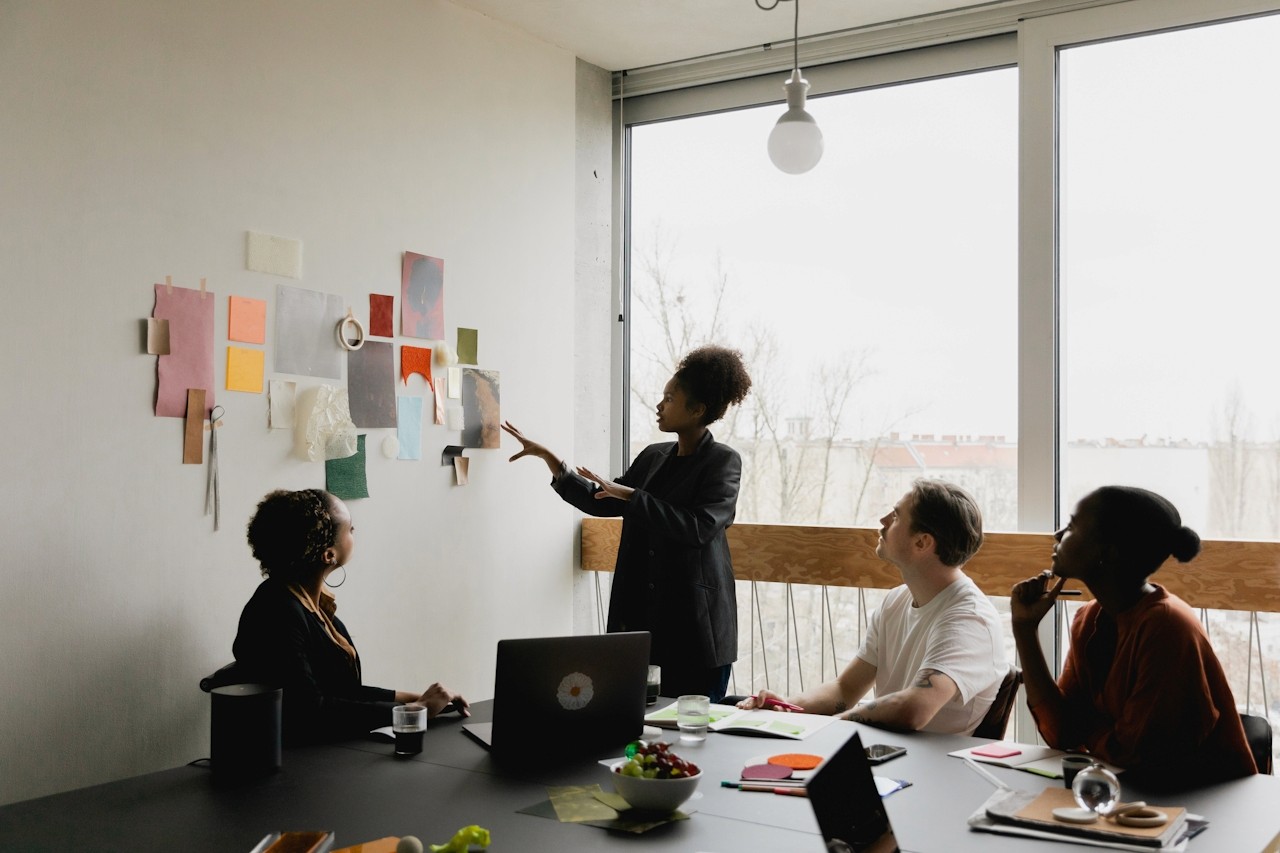
Turn Ideas into Impact: Design Is Visual Communication
Every creator knows the feeling: you have a brilliant idea—visionary, exciting, full of potential—yet translating it into something tangible feels overwhelming. Maybe you’ve struggled to communicate your concept to a client, team, or even to yourself. Maybe the picture in your mind never quite matches what appears on the screen.
You’re not alone.
The truth is, turning ideas into impact requires more than creativity—it requires structure, clarity, and the right tools. And that’s where visual communication becomes your superpower.
Design isn’t just aesthetics. It’s not fonts or colors or layouts alone. At its core, design is visual communication—the art of translating ideas into visuals that people immediately understand, feel, and remember.
Effective visual communication helps you:
Express abstract ideas quickly
Align your team or clients around a shared vision
Reduce misinterpretation and creative drift
Speed up decision-making
Build emotional connection through imagery, style, and storytelling
And the best way to bring all of that together?
By organizing your thoughts visually before execution—through moodboards, inspiration maps, and creative direction systems.
This is where most creators get stuck… unless they have a tool designed to simplify all of it.
If you want to turn ideas into impact, you need a workspace that thinks the way creatives think: visually, intuitively, and fluidly. Moodboard Studio inside Ideate Workspace was built exactly for that.
Here’s how it helps you bridge the gap from concept to communication:
1. Capture Your Vision in Seconds
Drag in images, brand assets, color palettes, sketches, screenshots—anything that inspires you.
Moodboard Studio turns scattered inspiration into a cohesive visual narrative.
2. Build 1,000 Words of Clarity—Without Writing 1,000 Words
Your moodboard becomes a visual overview that communicates more effectively than paragraphs of explanation.
Clients and collaborators instantly “get it,” saving countless rounds of revisions.
3. Use Pictures & Video for Richer Storytelling
Upload clips, reference videos, or animations directly.
This multi-media flexibility helps you:
Pitch concepts
Plan campaigns
Map UX flows
Explore branding directions
Define visual identities
4. Create Scrollable, Shareable Boards
Your content is automatically optimized for scrollability—making it intuitive to explore, present, and share.
Whether you’re presenting in a meeting or sending a link asynchronously, your idea moves with the viewer, not against them.
5. Bring Ideas to Life in Under a Minute
Ideate Workspace is built for flow, not friction.
On average, users create a polished moodboard in seconds—faster than any other visual planning tool on the market.
Your best ideas deserve more than a notes app, a chaotic canvas, or folders full of screenshots.
With Moodboard Studio, you can transform your vision into a clear, compelling, visually powerful story—fast.
👉 Try Moodboard Studio today and turn your ideas into impact.Because when your design becomes visual communication, your message becomes impossible to ignore.