Stop Wasting Design Talent on Slide Decks

Stop Wasting Design Talent on Slide Decks (And Start Shipping Better Work Faster)
If you’ve ever watched a talented designer spend hours “polishing” a slide deck—only for it to be outdated by the next meeting—you already know the problem isn’t your team.
It’s the workflow.
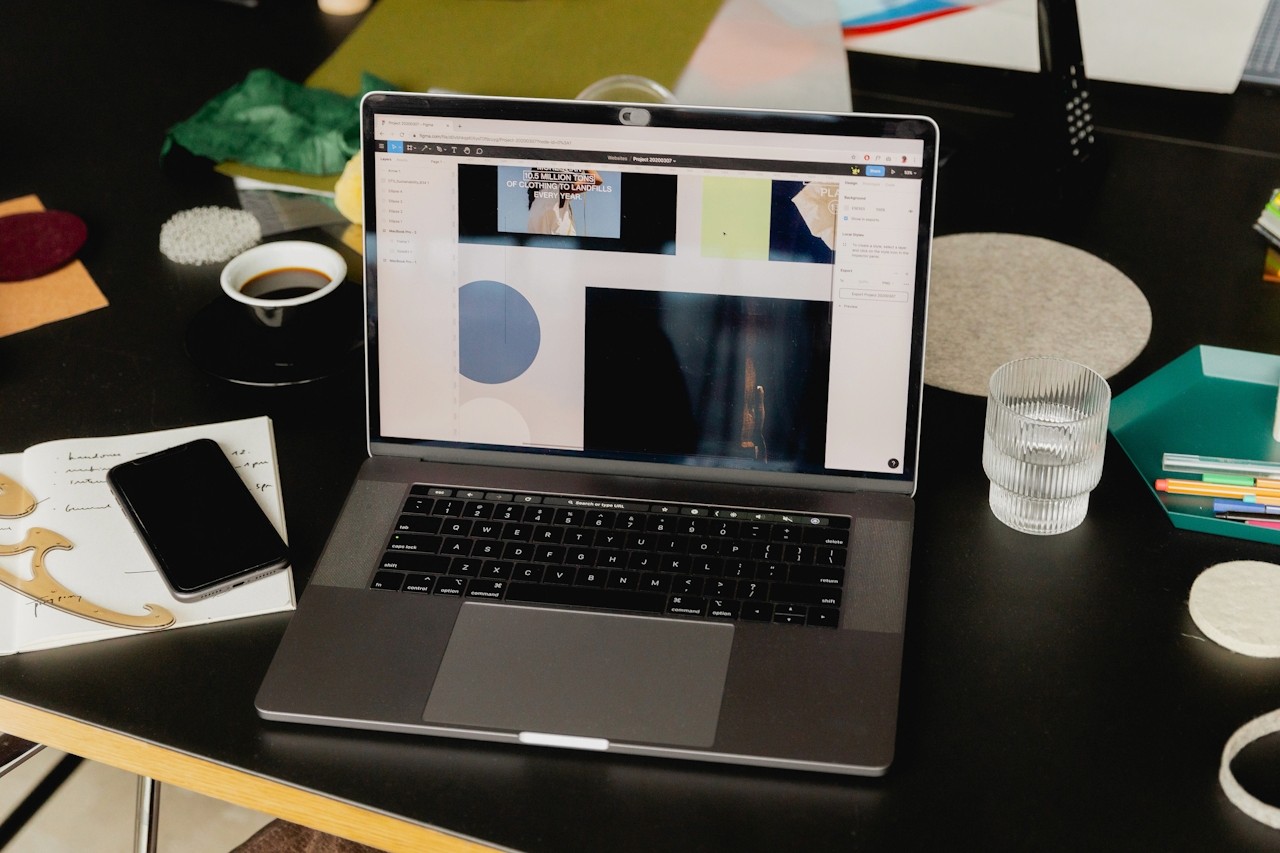
Design talent shouldn’t be trapped in decks, stuck resizing screenshots, re-aligning boxes, and rebuilding the same “vision” slides over and over again. Your designers should be designing—creating concepts, building systems, and moving real projects forward.
This article will show you why slide decks quietly drain your creative output, what a better process looks like, and how Moodboard Studio helps teams align faster and ship stronger work—without turning every idea into a 30-slide presentation.
Let’s be honest: slide decks were never built for design collaboration.
They’re built for presenting. And presenting is not the same thing as creating, exploring, iterating, or aligning.
Yet in many teams, decks have become the default tool for:
Moodboards
Visual direction
Brand exploration
UX references
Competitive screenshots
“Inspo” dumps
Creative strategy recaps
So instead of doing high-value design work, designers get pulled into deck maintenance mode:
“Can you update the slides before the meeting?”
“Can you add a few more options?”
“Can you make it look more polished?”
“Can you reformat this for leadership?”
And suddenly… your most creative people are doing formatting tasks.
That’s why this conversation is overdue: Stop wasting design talent on slide decks.
Because every hour spent formatting a deck is an hour not spent designing the product, the brand, or the experience your customers actually touch.
Slide decks feel familiar, but they create hidden friction that compounds over time.
1) Decks Turn Designers Into Production Assistants
When decks become the “source of truth,” designers become responsible for:
Exporting images
Writing captions
Making everything “presentable”
Rebuilding layouts every time something changes
It’s not design work—it’s packaging work.
2) Slide Decks Slow Down Creative Momentum
Design thinking is fluid. Decks are rigid.
Every change forces you to:
Re-crop visuals
Re-align grids
Duplicate slides
Fix spacing
Re-title sections
That’s time you could be spending exploring better ideas.
3) Decks Fragment Feedback and Alignment
Most teams use decks like a collaboration tool, but feedback ends up scattered across:
Comments in the deck
Slack messages
Email threads
Meeting notes
“Quick calls” that aren’t quick
The result? Decisions take longer, and direction gets fuzzier.
4) Decks Encourage “Pretty” Over “Progress”
Because decks are presentation-first, teams often prioritize:
Visual polish
Perfect framing
“Storytelling” slides
…instead of prioritizing:
Clarity
Speed
Iteration
Actual design outcomes
In other words, decks reward performance—not progress.
At Ideate Workspace, we’re big believers in one thing:
Creative work should stay creative. That means your team needs a system that supports how design actually happens: fast, visual, collaborative, and iterative.
Here’s the better approach:
Step 1: Centralize Inspiration Without Turning It Into a Deck
Your moodboard should be a living space—not a slideshow.
Instead of “Slide 12: Inspiration,” you want a place where visuals can be:
Collected quickly
Grouped naturally
Rearranged in seconds
Reviewed without friction
Step 2: Make Direction Scrollable, Not Slide-Based
Design direction should feel like a feed—something you can scroll through and absorb.
When content is scrollable, it becomes:
Easier to skim
Easier to compare
Easier to discuss
Easier to update
Slide decks force you into artificial breaks. Scrollable boards keep flow intact.
Step 3: Turn Visual Alignment Into a Repeatable Process
The goal isn’t to create “one perfect deck.”
The goal is to create a repeatable way to align on:
Style direction
Brand tone
UI patterns
Layout references
Creative themes
When alignment becomes repeatable, your team stops rebuilding the same work every project.
Step 4: Keep Designers in Design Tools, Not Presentation Tools
Your best designers should be spending their time on:
Concepts
Systems
Interaction design
Brand execution
Visual problem-solving
Not resizing screenshots for Slide 7.
This is exactly where Moodboard Studio changes the game.
Why Moodboard Studio Is the Go-To Tool for Creative Teams (Not Slide Decks)
If your team is still using slide decks for moodboards, creative direction, or design reviews, Moodboard Studio is the upgrade you’ve been waiting for.
It’s built for modern creative workflows—fast capture, clean organization, and effortless sharing—without the “deck overhead.”
With Moodboard Studio, teams can:
Create Moodboards Faster (Without the Deck Formatting Tax)
Drop in visuals, arrange them instantly, and build direction in minutes—not hours.
No slide templates. No resizing battles. No “please fix alignment.”
Keep Everything in One Place
Moodboard Studio becomes the hub for:
Inspiration
References
Style exploration
Creative direction
Visual decision-making
So your designers don’t have to rebuild context every time someone asks, “Wait, what are we going for again?”
Make Creative Direction Easy to Review and Share
Instead of presenting a deck, you share a board that’s:
Scrollable
Visual-first
Clear at a glance
Easy for stakeholders to understand
It’s alignment without the performance.
Reduce Rework and Protect Design Focus
When the “direction” lives in a real creative workspace, designers spend less time re-explaining decisions—and more time executing confidently.
That’s the difference between:
Designers supporting decks
vs.Designers building outcomes
Slide Deck Alternatives: What Teams Actually Need for Design Collaboration
If you’re searching for a better way than decks, you’re not alone.
Most teams aren’t really looking for “another tool.” They’re looking for a better system.
Here’s what a real slide deck replacement for design work should include:
A visual-first workspace (not text-first slides)
Fast organization and grouping
Easy sharing and stakeholder visibility
A scrollable format for natural browsing
A way to update direction without rebuilding the whole thing
That’s why Moodboard Studio fits so naturally into how creative teams operate.
It doesn’t just replace decks—it replaces the wasted effort decks create.
Slide decks will always have a place in business.
But they shouldn’t be where your best creative work lives.
If you want your team to move faster, align earlier, and protect design time for real design work, it’s time to shift the workflow.
Stop wasting design talent on slide decks.
Start building creative direction in a space designed for it.
👉 Try Moodboard Studio and turn your moodboarding and design alignment into a faster, cleaner, more collaborative process—without the deck formatting drag.
If you’re ready, Moodboard Studio is ready.