Mood Board Ideas That Spark Instant Creativity

Mood Board Ideas That Spark Instant Creativity
Every creative hits that wall — the blank canvas moment when your mind refuses to cooperate. Whether you’re a designer planning a new campaign, a marketer building a brand identity, or an entrepreneur brainstorming your next product, that creative block can feel paralyzing.
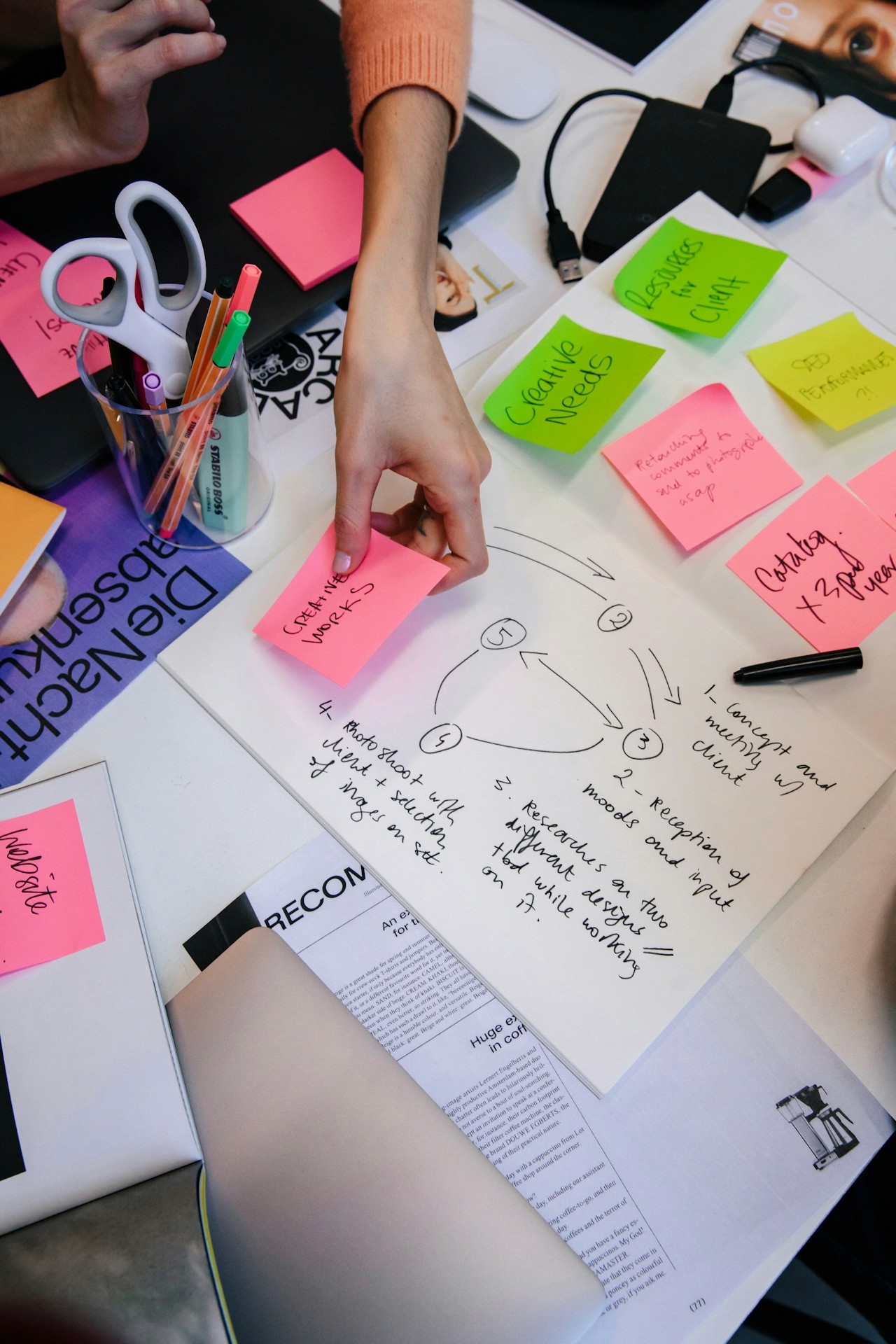
But here’s the truth: you’re not running out of ideas; your imagination just needs a visual spark.
A well-crafted mood board acts like a match — igniting the visual part of your brain, helping you connect feelings, colors, and imagery into a story that feels alive.
When you can see your ideas, creativity flows naturally. That’s why some of the most innovative brands, from fashion houses to tech startups, start every project with a mood board.
A mood board is far more than a collage of pretty pictures — it’s a visual strategy tool that helps you express tone, direction, and emotion.
At its core, a mood board answers the question:
“What do we want this to feel like?”
When words fall short, visuals bridge the gap. Here’s what makes mood boards so powerful in the creative process:
1. They Clarify Vision
Instead of trying to describe your aesthetic, you can show it. This instantly aligns your team, clients, or collaborators around a shared creative direction.
2. They Accelerate Decision-Making
Seeing all visual options in one place — color palettes, fonts, photography styles, textures — helps eliminate guesswork and streamline approval processes.
3. They Uncover Hidden Connections
As you gather visuals, unexpected patterns and themes emerge. Those “aha” moments often reveal the emotional heart of your project.
4. They Make Presentations Persuasive
A visually stunning mood board sells an idea faster than any slide deck. It shows confidence, creativity, and clarity — all in a single frame.
Whether you’re crafting a brand identity, planning a photoshoot, or designing a social campaign, a mood board is your roadmap from abstract idea to tangible creative concept.
Now that you understand their value, let’s dive into how to create a mood board that doesn’t just inspire — it energizes your creativity.
Here’s a simple, step-by-step guide using Moodboard Studio, a modern visual workspace built for creators who want to think in color, texture, and feeling.
Step 1: Start with Intent
Before you collect a single image, define your purpose.
Ask yourself:
What am I trying to communicate?
Who am I creating this for?
What emotion do I want the viewer to feel?
In Moodboard Studio, you can create different project boards for different intentions — for example, “Brand Refresh 2025,” “Product Launch Mood,” or “Campaign Aesthetic.” Each board stays organized, visually cohesive, and ready for collaboration.
Step 2: Gather Inspiration from Everywhere
Collect visuals from multiple sources — Pinterest, Behance, Unsplash, or your own camera roll. Drag them directly into Moodboard Studio’s canvas or use the built-in AI Visual Finder to discover new imagery that matches your theme in seconds.
Think beyond static images:
Add color swatches to define your palette.
Include typography samples to set the tone.
Incorporate textures and patterns that evoke emotion.
Use short video clips or GIFs to capture movement and energy.
Step 3: Compose with Intention
Here’s where the magic happens. Use Moodboard Studio’s drag-and-drop interface to arrange visuals intuitively. Try grouping by theme, color, or feeling. Play with hierarchy — make dominant visuals larger and supporting elements smaller.
You’ll start to see your creative direction materialize before your eyes.
Step 4: Collaborate in Real Time
Creativity thrives in community. Invite your teammates or clients to view your mood board in real time. Moodboard Studio makes it easy for collaborators to comment, react, and suggest changes without losing the flow of creativity.
This eliminates endless feedback loops and ensures everyone feels invested in the final vision.
Step 5: Refine and Share
Once your board feels cohesive, refine it. Moodboard Studio lets you export presentation-ready PDFs, share interactive links, or embed your board directly into project briefs.
Use it as a creative north star — something you can reference at every stage of your project to stay visually aligned.
✨ Pro Tip: Save your favorite boards to build a personal inspiration library. Over time, you’ll create your own archive of aesthetic references for future projects.
Your creativity deserves structure — not restriction.
With Moodboard Studio, you can turn random inspiration into a cohesive vision that sparks instant creativity, clarity, and collaboration.
👉 Try Moodboard Studio today and see how effortlessly you can go from “stuck” to inspired.