How to Make a Digital Mood Board in Minutes
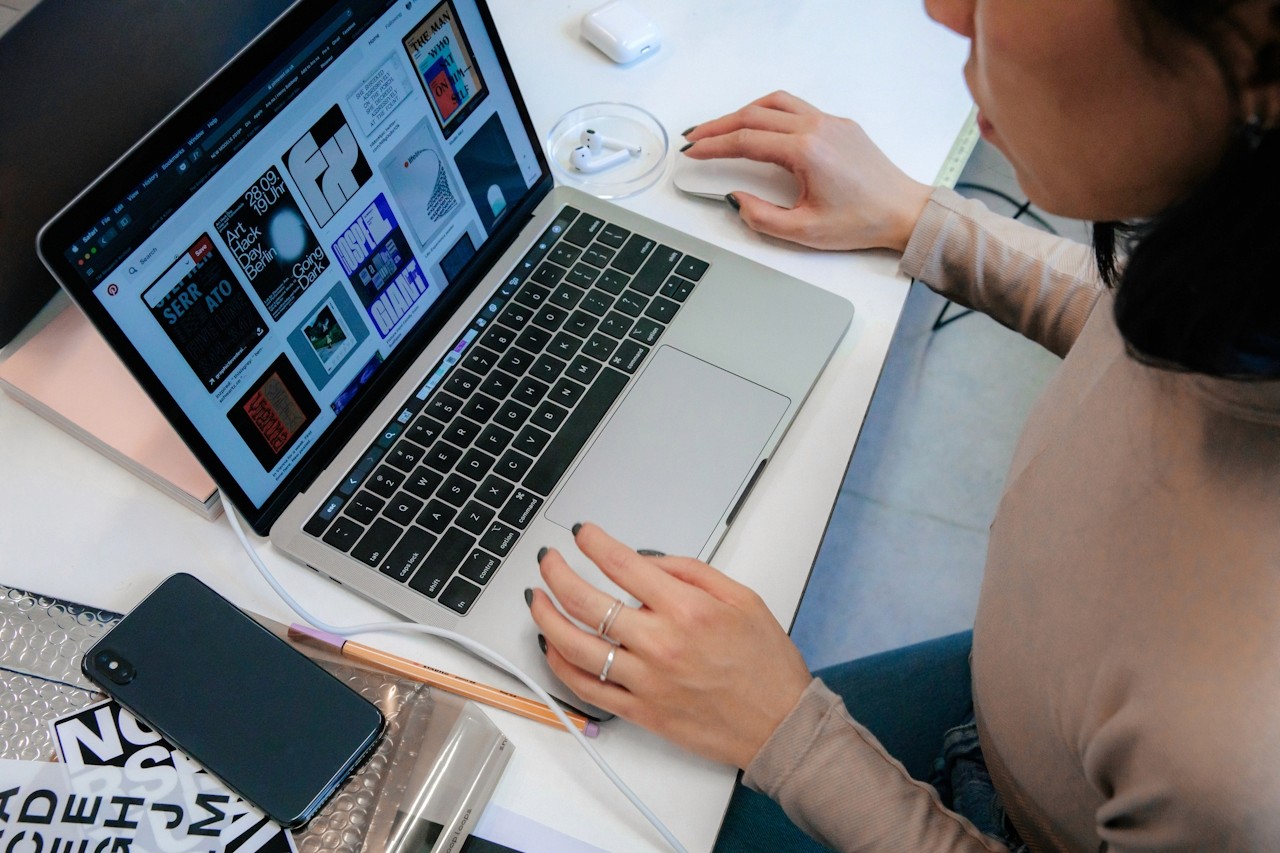
How to Make a Digital Mood Board in Minutes
We’ve all been there — staring at a blank screen, trying to translate a creative spark into something tangible. Whether you’re a designer mapping out a brand concept, a marketer visualizing a campaign, or a team aligning on a project’s aesthetic, the process can feel overwhelming.

The truth? You don’t need fancy tools or hours of dragging and dropping to create a mood board that inspires. You just need the right tool — and a few smart steps.
A digital mood board is your visual strategy map. It gathers colors, images, typography, and textures that express the feeling or direction of your idea.
Unlike physical boards that require printing, cutting, and pinning, digital mood boards are collaborative, flexible, and shareable — perfect for hybrid teams and fast-paced projects.
With the right platform, you can:
Collect visuals from anywhere online
Organize them into clean, shareable layouts
Collaborate with teammates in real time
Refine your creative direction before production begins
That’s where Moodboard Studio comes in — your shortcut to turning imagination into clarity.
Here’s how you can go from idea to inspiration — fast.
1. Start with Your Vision
Open Moodboard Studio and choose a layout template that matches your project type — whether it’s branding, interior design, or social content planning.
2. Collect and Upload Visuals
Drag and drop images directly or use Moodboard Studio’s browser extension to save ideas from Pinterest, Instagram, or anywhere online. Every image automatically resizes for a polished look.
3. Define Your Color Palette
Use the built-in color extractor to pull hues from your images and build a palette that represents your vibe perfectly.
4. Add Textures, Fonts, and Notes
Bring your board to life with custom fonts, notes, and design elements — all editable in a few clicks. No need for external design software.
5. Share and Collaborate
Invite your team to comment, adjust, and approve — in real time. Collaboration becomes visual, fast, and aligned. In under five minutes, your digital mood board looks presentation-ready. Your creative ideas deserve clarity — not chaos.
Try Moodboard Studio today and turn your inspiration into a professional, shareable digital mood board in minutes.