How to Automate Design Tasks Without Losing Creativity
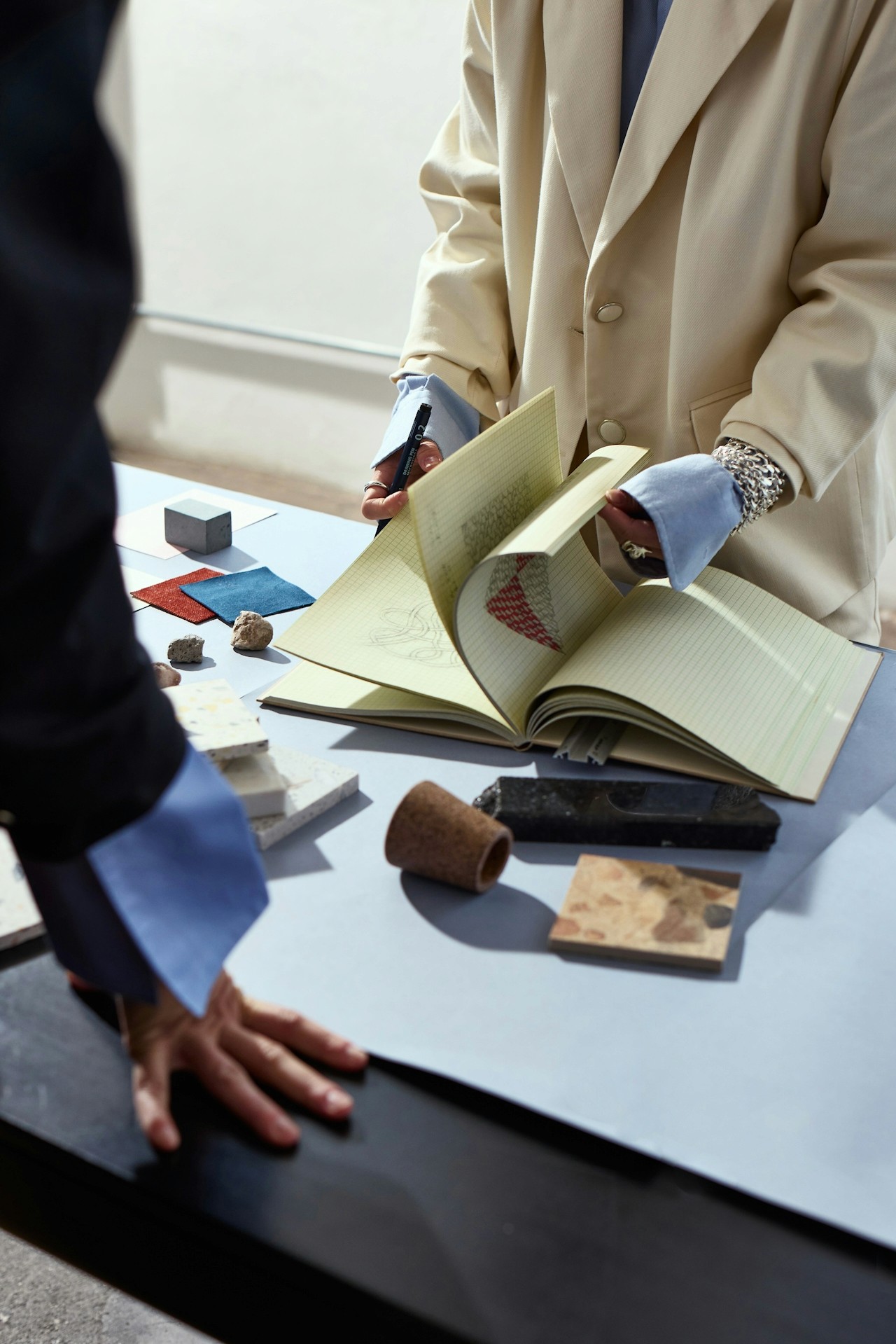
How to Automate Design Tasks Without Losing Creativity
Design automation has officially entered its main character era—and honestly, it’s about time.
If you’ve ever felt like your creative energy gets drained by repetitive design tasks (resizing assets, rebuilding layouts, exporting variations, organizing inspiration boards), you’re not alone. Most designers aren’t burned out from creativity—they’re burned out from busywork.
In this guide, we’ll break down how to automate design tasks without losing creativity, so you can move faster and stay inspired. And yes—if you want a tool that makes this workflow feel effortless, we’ll show you why Moodboard Studio is the go-to.
You’re Not “Less Creative”—You’re Just Doing Too Much Manual Work
Let’s say the quiet part out loud:
Most design workflows are packed with tasks that don’t require your creative brain… but still demand your time.
You might be juggling things like:
Creating the same layout in 6 different sizes
Rebuilding brand templates from scratch
Hunting down “that one reference image” you saved somewhere
Writing repetitive creative briefs and captions
Exporting endless versions for social, ads, web, and email
Organizing moodboards across tabs, folders, and screenshots
And the worst part?
When your process is overloaded with admin work, you start associating design with stress instead of creativity.
So if you’ve been wondering whether automation will make your work feel robotic, here’s the truth:
✅ Automation doesn’t replace creativity. It protects it.
What Design Automation Actually Means (And What It Doesn’t)
When people hear “automate design,” they often picture something cold and generic.
But real design automation isn’t about replacing your taste—it’s about removing friction from your process.
Design automation means:
Streamlining repetitive steps
Standardizing what should be consistent (branding, spacing, exports)
Speeding up production without sacrificing quality
Making your creative workflow easier to repeat and scale
Design automation does not mean:
Copy-pasting generic designs
Losing your personal style
Handing everything over to AI and hoping for the best
Creating “template-looking” work
In other words, creative automation is the difference between:
🔁 “Doing the same thing 20 times”
and
🎨 “Making one great thing, then scaling it intelligently.”
Why Designers Automate (Without Losing Their Edge)
When you automate the right design tasks, you unlock:
More time for ideation (the fun part)
More consistency across assets
Faster turnaround for clients
More creative energy for experimentation
Less decision fatigue
Higher output without lower quality
This is exactly why so many modern teams are shifting toward automated design workflows—especially in fast-moving content environments.
How to Automate Design Tasks Without Losing Creativity (Step-by-Step)
Here’s the Ideate Workspace approach:
Automate the mechanics, not the magic.
Below are the best ways to automate design tasks while keeping your creative identity intact.
1) Automate Repetitive Layout Variations (Not the Concept)
One of the biggest time sinks is resizing and reformatting the same idea for:
Instagram posts + stories
Pinterest pins
YouTube thumbnails
Website banners
Ad creatives
Email headers
Instead of rebuilding layouts every time, automate your formatting system:
What to automate:
Layout resizing
Spacing + alignment rules
Asset placement patterns
Format exports
What to keep manual:
Your concept
Typography choices
Visual hierarchy decisions
Final polish
This is where Moodboard Studio becomes a game-changer: it helps you build a creative foundation once, then generate consistent design variations faster—without flattening your style.
2) Automate Your Moodboarding (So Inspiration Doesn’t Get Lost)
Moodboards are where creativity begins… but they’re also where chaos happens.
You find inspiration in 12 places:
TikTok
Pinterest
Behance
Instagram
Screenshots
Client references
Brand guidelines
Random notes you swear you’ll organize later
And suddenly your creative direction is scattered.
Moodboard Studio solves this by making moodboarding a system, not a side quest.
Automate the inspiration workflow:
Collect and organize references quickly
Group ideas by campaign, client, or vibe
Build visual direction that stays clear from start to finish
Keep creative alignment without endless meetings
The result: you don’t lose creativity—you lose the mess.
3) Automate Brand Consistency (So You Can Break Rules Intentionally)
Creative people don’t hate structure.
They hate structure that slows them down.
Brand consistency should be a baseline, not a burden.
Automate things like:
Brand colors
Font pairing rules
Logo placement standards
Component styling
Grid systems
When your “defaults” are handled, you’re free to be creative on purpose.
Moodboard Studio helps keep your brand direction and visual language aligned—so every asset looks like it belongs to the same world, even when you’re experimenting.
4) Automate Creative Ops (Briefs, Approvals, Handoff)
Design isn’t just designing anymore—it’s managing creative production.
If you’re constantly switching between tabs to:
write briefs
explain direction
gather feedback
clarify revisions
prepare handoff
…you’re doing creative work and project management at the same time.
Automate the workflow around design:
Faster creative direction alignment
Cleaner organization of visual references
Fewer revision cycles
Better collaboration with clients or teams
The goal isn’t to make creativity “efficient.”
It’s to stop creativity from getting interrupted.
5) Automate Exports and Asset Delivery (Because Nobody Loves That Part)
Let’s be real: exporting 15 versions of the same asset is not the dream.
Automate:
File naming conventions
Export formats and sizes
Delivery-ready asset packages
Organized folders per campaign
That way, your workflow stays creative—even at the finish line.
If you want to know how to automate design tasks without losing creativity, here’s your next move:
✨ Try Moodboard Studio and start building a workflow that supports your creative brain instead of draining it.