Design Essentials Every Creative Should Know.
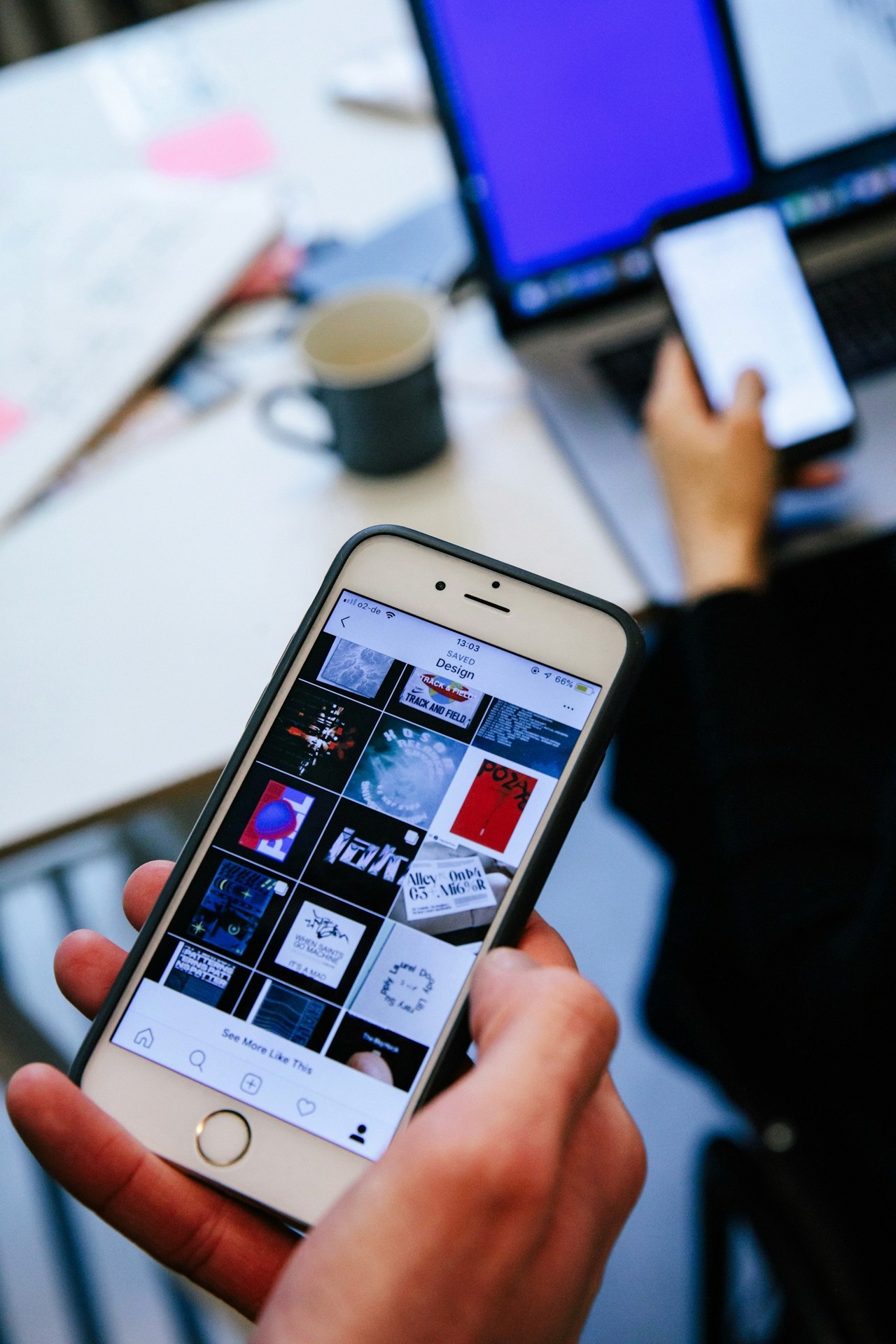
Design Essentials Every Creative Should Know.
Design isn’t just about making things look good—it’s about solving problems with clarity, intention, and creativity. Whether you’re building a brand, crafting a campaign, refreshing a website, or kicking off your next big idea, the right design foundations will elevate everything you create.
At Ideate Workspace, we believe great design starts with a process that feels intuitive, empowering, and—most importantly—human. That’s exactly where Moodboard Studio shines. Before you pick colors, choose fonts, or sketch a single layout, you need tools and frameworks that help you think, feel, and experiment like a true creative.
Below, we’ll walk through the design essentials every creative should know, following the same structure you shared: Validate, Educate, Demonstrate, and Call to Action—plus the extra content guidance from your image (scrollable experience, rich visuals, etc.).
Let’s dive in.
Every creative has been there:
You sit down to start a new project and feel—stuck. You know what you want the final product to feel like, but translating that vision into something cohesive? That’s the hard part.
Maybe you’ve asked yourself:
“Where do I even begin?”
“How do I make this concept feel polished?”
“Why does everything I create feel inconsistent?”
The truth? These frustrations are normal. Design is a multilayered discipline, and even seasoned creatives hit roadblocks. What matters isn’t perfection—it’s having a clear, reliable system that brings your ideas into focus without slowing down your flow.
Whether you’re a designer, a strategist, or a creative generalist, these pillars are the foundation of impactful design.
1. Visual Strategy Always Comes First
Before colors or layouts, you need direction.
What emotion should your project evoke? What story should it tell? What visual language best supports that message?
A strong visual strategy keeps your design aligned and intentional—not random or trendy for trend’s sake.
2. Moodboards Are Non-Negotiable
Moodboards aren’t just inspiration—they’re translation tools.
They bridge the gap between idea and execution, helping you gather:
Textures
Photography direction
Color energy
Typography styles
Layout cues
Brand personality
This is where Moodboard Studio becomes an absolute essential. Instead of juggling screenshots, Pinterest boards, and random folders, Moodboard Studio centralizes your creative direction in one clean, intuitive workspace designed for real creative flow.
3. Keep Your Color and Typography Systems Simple & Scalable
You don’t need 15 colors and 12 fonts.
You need:
1–2 primary brand colors
2–3 supportive accents
1 headline font
1 body font
Clarity beats complexity—every time.
4. Use Hierarchy to Guide the Eye
Your design should tell a story at a glance.
Hierarchy helps users know:
What to look at first
What matters most
What to do next
Scale, spacing, contrast, and alignment are your secret weapons here.
5. Consistency Builds Trust
Every visual touchpoint adds up.
When your visuals feel cohesive across platforms, your audience feels safe, confident, and connected to your brand. This is why creatives who systemize their design process produce better—and faster—work.
Let’s connect the dots.
You know design can feel chaotic. You know the essential principles. Now here’s how Moodboard Studio supports you in applying them seamlessly:
✔ Build stronger visual concepts
Drag, drop, arrange, and refine inspiration until your ideas click into place.
✔ Present creative direction with clarity
Share moodboards that instantly communicate tone, style, and narrative—no long explanations needed.
✔ Stay consistent across projects
Save themes, palettes, and assets so future work feels aligned and intentional.
✔ Make your workflow scrollable, visual, and fluid
The platform is built for modern creatives who think in images, references, and movement.
✔ Create 1,000-word concepts without writing 1,000 words
Let your visuals do the talking. Moodboard Studio makes your ideas feel real, fast.
Whether you’re designing for a brand, a client, or your own passion project, Moodboard Studio strengthens every step of your process.
If you’re ready to stop second-guessing your design direction and start creating with confidence, it’s time to bring Moodboard Studio into your workflow.
👉 Try Moodboard Studio today and experience creative clarity from your very first board.
Your ideas deserve a space where they can grow—and Moodboard Studio was built for exactly that.