Brainstorming for Creatives: A Simple, Repeatable System to Unlock Your Best Ideas (With Moodboard Studio)
Jan 2, 2026

Brainstorming for Creatives: A Simple, Repeatable System to Unlock Your Best Ideas (With Moodboard Studio)
If you’ve ever stared at a blank page, opened a new project folder, or sat in front of a client brief thinking “I have nothing”—you’re not alone. Brainstorming for creatives isn’t always the magical “aha!” moment we wish it were. More often, it’s messy, nonlinear, and full of half-formed thoughts that feel too scattered to matter.
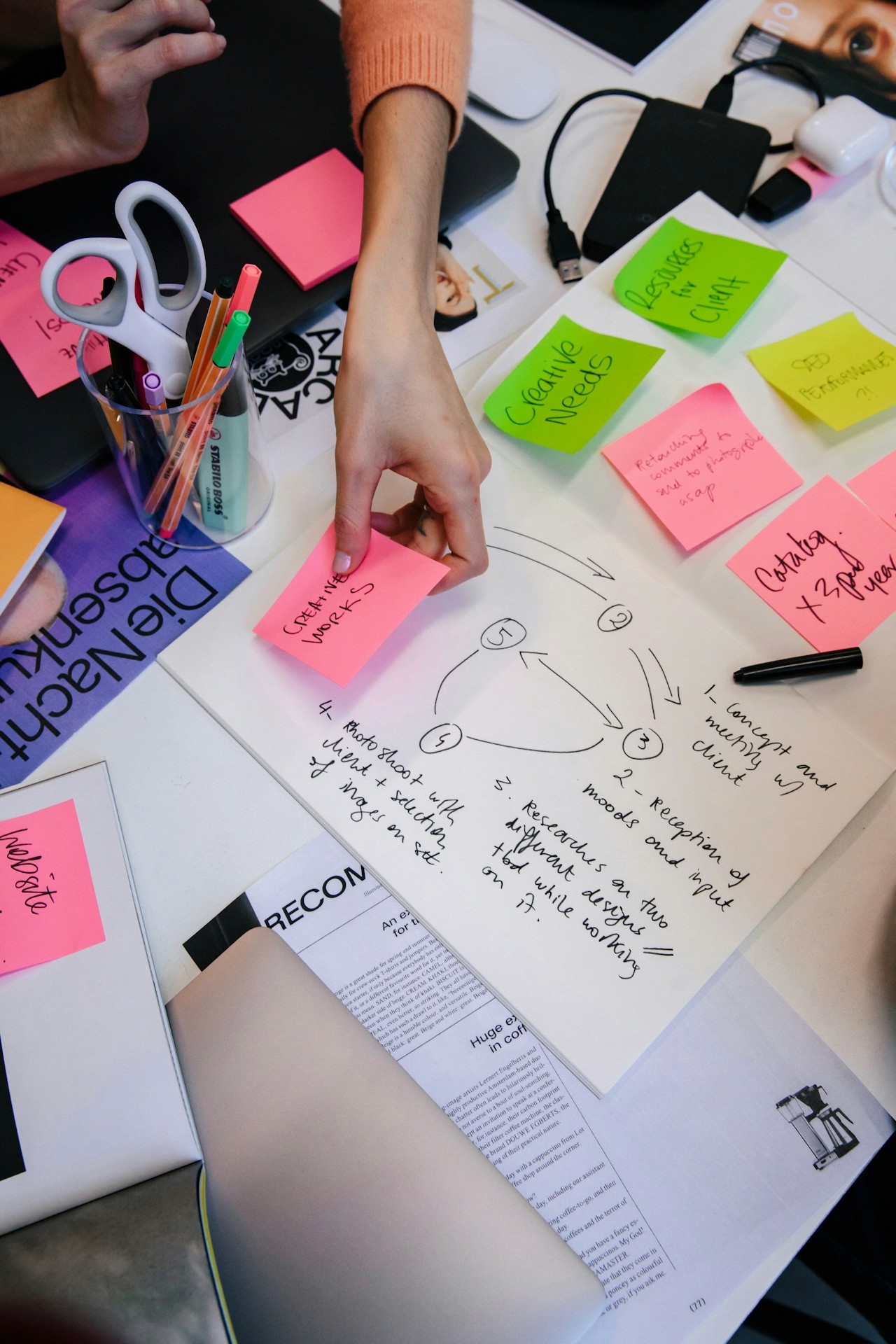
But here’s the good news: creativity isn’t a lightning strike—it’s a process. And when you have a clear framework and the right tools, brainstorming becomes easier, faster, and way more fun.
At Ideate Workspace, we believe in helping creative people move from stuck to flow—without overcomplicating the path. This guide walks you through a simple landing-page style content strategy:
✅ Validate
✅ Educate
✅ Demonstrate
✅ Call to Action
And along the way, you’ll see why Moodboard Studio is the tool creatives keep coming back to when they need ideas that actually lead somewhere.
You’re Not “Uncreative”—You’re Just Overloaded
Let’s name it: creative block is real.
You can have talent, taste, and experience—and still feel frozen when it’s time to generate ideas. That’s because brainstorming for creatives isn’t just about thinking harder. It’s often blocked by:
Too many ideas (and no way to organize them)
Too much pressure to be original
Not enough visual reference
Not enough time
A lack of structure that supports creative momentum
And if you’re a designer, marketer, writer, photographer, illustrator, or entrepreneur, you’ve likely experienced the specific frustration of knowing you have good ideas… you just can’t access them on demand. This isn’t a creativity problem. It’s a workflow problem.
The right brainstorming system creates clarity, reduces overwhelm, and gives you a way to build ideas—step by step—without forcing inspiration.
What Brainstorming for Creatives Actually Needs (Hint: It’s Not More Brainstorming)
Most people treat brainstorming like a single event: “You sit down, write things down, and hopefully something clicks.” But effective creative brainstorming isn’t one activity—it’s a sequence.
Here’s what the best creative brainstorming process includes:
1) Input Before Output
You can’t make something from nothing. Creative ideas come from collecting, not conjuring.
Your brainstorming improves instantly when you gather:
Visual inspiration (moodboards, references)
Keywords and themes
Competitive examples
Colors, typography, composition styles
Emotional cues and storytelling elements
2) A Place to Organize the Chaos
Creative brains are idea generators, not file cabinets.
Without a system, your ideas end up:
scattered across tabs
buried in camera rolls
lost in notebooks
forgotten in bookmarks
The best brainstorming tools create structure without limiting creativity.
3) A Visual Method to Spot Patterns
Creatives think in connections. When you can see ideas side-by-side, patterns emerge faster.
That’s why visual brainstorming is so powerful:
it increases clarity
strengthens concept development
reveals your strongest directions quickly
4) A Workflow That Moves You Toward Execution
Brainstorming isn’t the goal.
It’s the bridge between idea and outcome.
The best brainstorming systems answer:
What’s the concept?
What’s the vibe?
What are the constraints?
What happens next?
This is where Moodboard Studio becomes a game-changer—because it doesn’t just collect inspiration; it helps you shape it into a usable creative direction.
A Step-by-Step Brainstorming Workflow (Using Moodboard Studio)
Let’s walk through a simple, repeatable system for brainstorming for creatives—one you can use for:
branding projects
content campaigns
web design
product design
photography concepts
creative writing prompts
social media aesthetics
interior styling boards
client pitches
Step 1: Start With One Sentence
Before you open a thousand tabs, anchor your brainstorming with a clear intention.
Try this:
“I’m brainstorming a concept for ___ that should feel ___ and help the audience ___.”
Examples:
“I’m brainstorming a brand identity for a wellness coach that feels calm, modern, and trustworthy.”
“I’m brainstorming a campaign concept for a sustainable fashion drop that feels bold, rebellious, and editorial.”
Moodboard Studio Tip:
Start your board with this sentence as the title or top note so your references stay aligned.
Step 2: Gather Inspiration Fast (Without Overthinking It)
Now move into collection mode.
Use a mix of:
images that match the vibe
textures and color palettes
typography examples
layouts or composition references
mood words and themes
The goal is quantity first—quality later.
Why Moodboard Studio works here:
It’s built for speed. You can collect, drag, and arrange ideas visually in one space without bouncing between apps. It keeps you in creative flow instead of “file management mode.”
Step 3: Group Ideas Into Creative Directions
Once you’ve gathered enough material, start clustering:
minimal vs maximal
bold vs muted
clean vs organic
playful vs luxury
warm vs cool
modern vs nostalgic
These clusters become concept directions.
In Moodboard Studio:
You can visually organize sections, create variations, and arrange elements until your strongest direction becomes obvious.
Step 4: Translate Inspiration Into Words (So You Can Use It)
This is the step most creatives skip—and it’s why brainstorms often fail.
Turn your visual board into a short set of guiding words:
3–5 adjectives
1 emotion
1 audience takeaway
1 design or style principle
Example:
Warm / Human / Clean / Grounded / Honest
Emotion: relief
Audience takeaway: “I can trust this brand.”
Style principle: minimal layout with soft texture + warm tones
Now your brainstorming isn’t just “pretty references”—it’s a usable foundation.
Step 5: Choose the Next Action
The final step ensures your brainstorming leads to execution.
Pick your next move:
design a first draft
write a headline + outline
select 3 brand colors
create 5 social post concepts
sketch layout variations
draft a pitch deck direction
Moodboard Studio advantage:
Your inspiration and direction are already organized—so creating becomes the natural next step.
Why Moodboard Studio Is the Go-To Tool for Brainstorming for Creatives
There are plenty of tools that can store inspiration.
But Moodboard Studio is built specifically for the way creatives actually brainstorm—visually, emotionally, and iteratively.
Here’s why it stands out:
✅ It Keeps Your Ideas in One Place
No more scattered screenshots, endless tabs, or forgotten folders.
✅ It Helps You See Connections Faster
Visual arrangement turns “random inspiration” into clear creative direction.
✅ It Speeds Up Concept Development
Your brainstorming doesn’t get stuck in collection mode—it moves toward decisions.
✅ It Supports Client Work and Personal Projects
Whether you’re building a pitch, designing a brand, or exploring a personal concept, Moodboard Studio adapts.
If you want brainstorming to feel less chaotic and more productive, this is the tool to try.
If you’ve been feeling stuck, scattered, or overwhelmed, here’s your next step:
Open Moodboard Studio and build a board using the 5-step workflow above.
Start with one sentence. Collect without judgment. Cluster ideas. Translate into direction. Choose the next action.
You don’t need more time.
You need a better system.
And if you’re serious about brainstorming for creatives that leads to real output—Moodboard Studio is the smartest place to start.
✨ Try Moodboard Studio today and turn inspiration into your next best idea.